


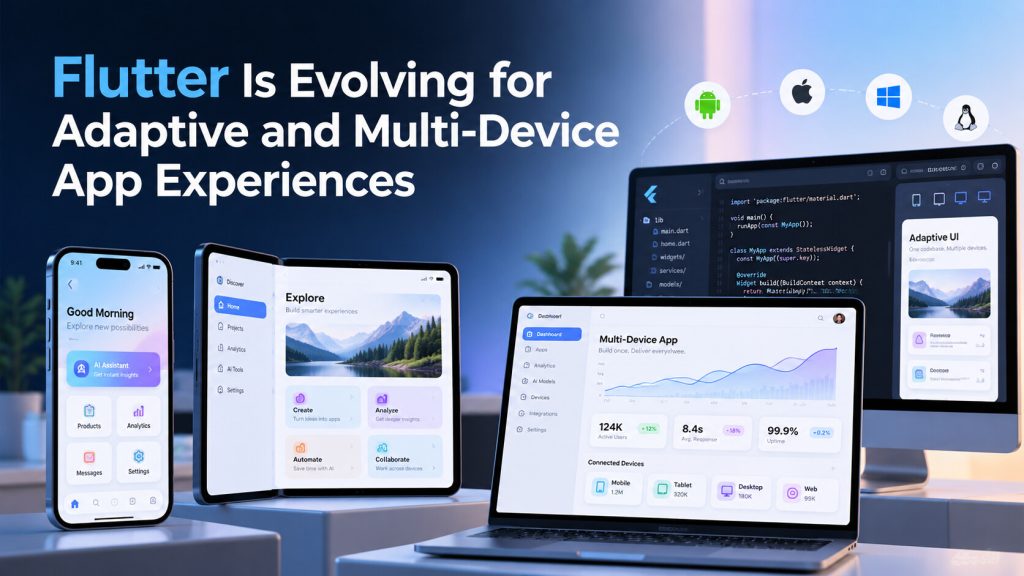
Flutter is moving beyond conventional cross-platform development to support more adaptive and device-aware application experiences. This article explores how its 2026 developments, including desktop multi-window capabilities, Impeller rendering improvements, platform-specific integrations, and AI-driven GenUI, are expanding what’s possible across smartphones, tablets, foldables, and desktops. It also examines the technical considerations businesses should evaluate before adopting these capabilities for multi-device applications.
Table of Contents
- What are Adaptive and Multi-Device App Experiences?
- How Has Flutter Evolved to Support Adaptive and Multi-Device Experiences?
- What Should Businesses Consider Before Adopting Flutter for Multi-Device Apps?
- The Takeaway: What’s Next for Flutter’s Adaptive and Multi-Device Ecosystem?
According to Google’s May 2026 Android developer update, more than 580 million large-screen Android devices are in use worldwide. As applications extend across smartphones, foldables, tablets, and desktops, developers face a growing challenge: how to deliver interfaces that adapt to different screen configurations and interaction methods without maintaining entirely separate applications.
Flutter has long supported adaptive layouts and cross-platform development, but these established capabilities are only part of the picture. Its 2026 developments, particularly experimental desktop multi-window APIs, expanded Impeller rendering support, and emerging AI-driven interfaces, are addressing more complex requirements in multi-device app development.
This raises an important question: How far has Flutter progressed from supporting multiple platforms to delivering experiences genuinely suited to each device? The following sections examine what’s changing in the framework, how these developments work, and which capabilities are ready for practical adoption.
What are Adaptive and Multi-Device App Experiences?
An adaptive app experience results from an application adjusting its layout and interactions to suit the available screen space and device capabilities. Unlike responsive design, which primarily resizes or rearranges interface elements, adaptive app design also accounts for how users navigate and interact with applications on different devices.
For example, Google Earth uses Flutter to provide adaptive interfaces across smartphones, tablets, foldables, and web browsers. Its layout accommodates different screen configurations while keeping core mapping features accessible.
A multi-device app experience allows users to access an application’s functionality across different device categories, with interfaces suited to each environment. Delivering this consistency requires developers to manage changing window constraints, support device-specific interactions, and preserve application state during layout transitions.
How Has Flutter Evolved to Support Adaptive and Multi-Device Experiences?
Flutter’s overhaul is addressing these requirements at several architectural levels. Its existing layout system provides the foundation for adapting interfaces to different screen sizes, while newer desktop, rendering, and UI developments are expanding the types of interactions and workflows those interfaces can support.
1. More Flexible Layouts for Foldables and Large Screens
Flutter’s constraint-based layout system allows applications to adjust their interfaces as available screen space changes. Developers can use LayoutBuilder to access parent layout constraints and MediaQuery to obtain window dimensions, enabling different layouts without maintaining separate implementations for each device.
For example, a financial application can display transactions and their details on separate screens on a smartphone, then switch to a side-by-side layout on a tablet. On supported Android foldables, MediaQuery.displayFeatures also exposes hinge and fold information, helping developers position content around display obstructions.
The same layout mechanisms support resizable desktop windows, where applications must reorganize content as users change window dimensions. However, adapting layouts within a single window does not address workflows that require multiple independently managed windows—a limitation Flutter’s newer desktop windowing architecture aims to overcome.
2. Advancing Desktop Support With Multi-Window Capabilities
Flutter’s original single-window architecture limited desktop applications that required independently managed windows, such as document editors and enterprise dashboards. To address this, Flutter and Canonical introduced the experimental Desktop Windowing API in 2026, enabling developers to create native windows instead of relying solely on overlays within the main application window.
The new architecture defines five window types—regular, dialog, popup, tooltip, and satellite—managed through window controllers. Flutter can render content across these windows within a shared widget tree, allowing them to access common application state. For instance, a customer management application could display account records and transaction details in separate windows without requiring independent native implementations.
Flutter 3.47 expanded experimental popup-window support to Linux and Windows. However, the broader multi-window API remained experimental as of October 2026, so developers must plan for potential API changes before production adoption.
These capabilities also introduce more demanding rendering requirements as applications manage multiple active windows and complex interfaces.
3. Improving Rendering Performance Across Devices
As Flutter applications support more complex desktop layouts and multiple windows, maintaining smooth rendering becomes increasingly important. Flutter’s Impeller engine addresses this by compiling a fixed set of shaders ahead of time, reducing the animation stutter caused by runtime shader compilation.
With Flutter 3.47, Impeller became the default renderer on macOS, Windows, and Linux, using Metal and Vulkan graphics APIs. This extends Flutter’s modern rendering architecture to desktop applications, improving frame consistency during animations and visual transitions. However, performance still depends on efficient widget rebuilding and layout processing.
Flutter is also advancing WebAssembly support for web applications, with opt-in Wasm builds and experimental deferred loading introduced to support more efficient execution and loading. Unlike Impeller, which targets graphics rendering, WebAssembly focuses on how Flutter web applications compile and run.
4. Supporting Device-Specific Interactions and Native Features
Beyond screen layouts, Flutter applications must accommodate how users interact with different devices. Flutter’s Focus, Shortcuts, and Actions APIs support keyboard navigation and input handling, while platform channels and plugins provide access to native operating-system functionality. For instance, on-device AI integration may require developers to connect Flutter applications with native inference runtimes and optimize model execution for different hardware capabilities.
Recent developments are making platform integration and UI maintenance more flexible. Flutter’s adoption of Swift Package Manager simplifies dependency management for Apple platforms. Meanwhile, Flutter 3.47 introduced independently versioned material_ui and cupertino_ui packages, allowing developers to update platform-specific design components without upgrading the entire Flutter SDK.
These changes give developers greater control over platform integration and UI maintenance while retaining shared application logic. For businesses evaluating Flutter development services, this flexibility supports device-appropriate experiences without requiring entirely separate applications.
Beyond these device-specific adaptations, Flutter is also exploring interfaces that dynamically respond to user intent through AI-driven UI generation.
5. Exploring AI-Driven Adaptive Interfaces
Flutter’s emerging Generative UI (GenUI) framework enables applications to dynamically generate interfaces based on user intent. Using the Agent-to-User Interface (A2UI) protocol, AI agents produce structured UI descriptions that Flutter renders using components from an approved widget catalog. This allows applications to present task-specific interfaces without executing arbitrary AI-generated Flutter code.
For example, an analytics application could display relevant charts and filters in response to a user’s request to compare regional sales, eliminating the need to navigate multiple screens.
In May 2026, Flutter updated its GenUI package to support A2UI v0.9, introducing a more modular architecture, custom client functions, and improved error handling. These changes give developers greater control over how AI-generated interfaces are constructed and integrated into applications.
However, GenUI remains an emerging technology. Production adoption requires validation of generated components, accessibility compliance, and appropriate authorization controls before AI-driven interfaces can reliably support business workflows.
What Should Businesses Consider Before Adopting Flutter for Multi-Device Apps?
Before committing to Flutter for multi-device app development, businesses should validate whether its capabilities align with their target platforms and application requirements. The following steps can help identify technical risks early:
1. Verify feature maturity
Distinguish stable Flutter APIs from experimental capabilities, particularly desktop multi-window support. Avoid making production-critical workflows dependent on features with uncertain API stability.
2. Audit platform dependencies
Identify required native APIs, hardware integrations, and third-party plugins. Verify their compatibility and maintenance status across each target operating system.
3. Test representative workflows
Build prototypes for critical interactions and evaluate performance on actual devices. Include window resizing, layout transitions, keyboard navigation, and accessibility testing.
4. Define platform-specific requirements
Determine which components and business logic can be shared and where native implementations or device-specific interaction patterns are necessary.
5. Assess development expertise
When selecting application development services or planning to hire Flutter developers, evaluate the team’s experience with adaptive architectures, native integrations, desktop development, and performance optimization.
The Takeaway: What’s Next for Flutter’s Adaptive and Multi-Device Ecosystem?
Flutter’s evolution is shifting the focus from cross-platform compatibility to more sophisticated, device-aware application experiences. With advances in desktop windowing, rendering performance, and AI-driven interfaces, developers have more opportunities to build applications that respond to different devices and user needs.
As these capabilities mature, the real advantage of Flutter app development will lie in delivering experiences tailored to each device while retaining the efficiency of a shared codebase.
*Author bio *
Amelia Swank is a seasoned Digital Marketing Specialist at SunTec India with over eight years of experience in the IT industry. She excels in SEO, PPC, and content marketing, and is proficient in Google Analytics, SEMrush, and HubSpot. She is a subject matter expert in Application Development, Software Engineering, AI/ML, QA Testing, Cloud Management, DevOps, and Staff Augmentation (Hire mobile app developers, hire WordPress developers, and hire full stack developers etc.). Amelia stays updated with industry trends and loves experimenting with new marketing techniques.

